
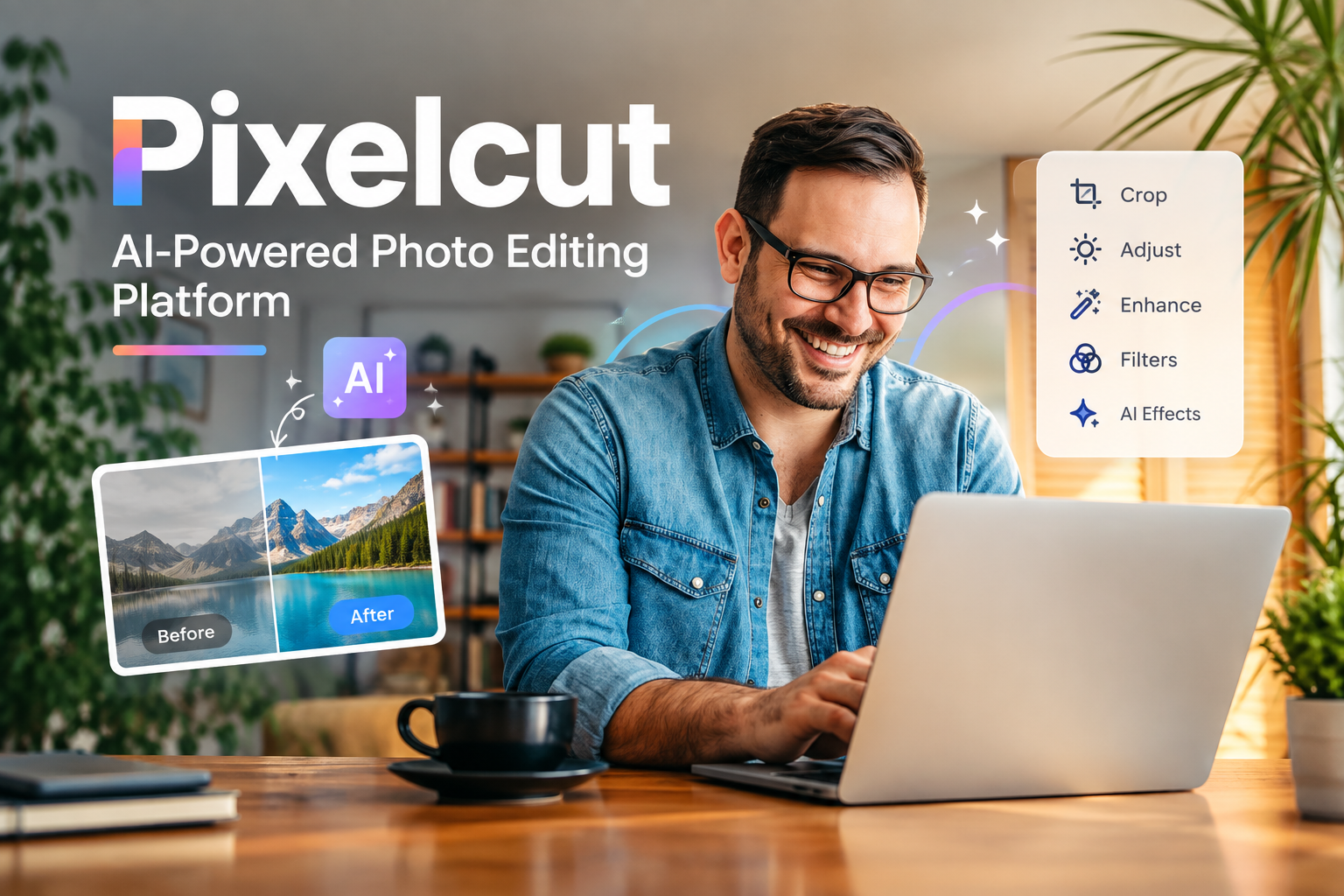
In today’s digital world, high-quality visuals are important for businesses, creators, marketers, and everyday users. Creating professional-looking product photos, social media graphics, and marketing images no longer always requires advanced design skills. Pixelcut is an AI-powered visual editing platform designed to make image creation and editing faster and easier.
With tools for background removal, image generation, photo enhancement, resizing, and product photography, Pixelcut provides a range of features from a single platform. This guide explains what Pixelcut is, its main features, how it works, common uses, advantages, limitations, and more.
What Is Pixelcut?
Pixelcut is an AI-powered photo editing and design platform that helps users create and modify images. It is particularly useful for product photography, e-commerce listings, social media content, advertisements, and other digital marketing materials.
Instead of manually performing tasks such as removing backgrounds or adjusting product images, users can rely on AI-powered tools to automate many of these processes.
Pixelcut is available through web and mobile experiences, making it accessible to users who want to edit images from different devices.
How Does Pixelcut Work?
Pixelcut combines image-editing tools with artificial intelligence to simplify common design tasks. The exact workflow depends on the tool being used, but the general process is straightforward:
- Upload an image or select an available creation tool.
- Choose the editing or AI feature you want to use.
- Let Pixelcut process the image.
- Make additional adjustments if necessary.
- Export or save the finished image.
The platform is designed to reduce the amount of manual editing required for everyday visual-content tasks.
Key Features of Pixelcut
1. AI Background Remover
One of Pixelcut’s commonly used features is its background-removal functionality. Users can upload an image and automatically separate the main subject from its background.
This can be useful when preparing:
- Product photos
- Marketplace listings
- Profile images
- Promotional graphics
- Social media posts
Removing a background automatically can save time compared with manually selecting objects in traditional image-editing software.
2. Background Replacement
After removing an original background, users can place the subject onto a different background. This makes it possible to create product scenes or marketing visuals without photographing every environment separately.
For example, an online seller could place a product against a clean studio-style background or another suitable visual setting.
3. AI Image Generation
Pixelcut also provides AI-powered image-generation capabilities that can help users create visual content from prompts or transform existing images.
AI-generated backgrounds and scenes can be especially useful for product photography and promotional content.
4. Product Photography Tools
E-commerce sellers often need attractive product images but may not have access to a professional studio. Pixelcut can help users create cleaner product visuals by combining product images with AI-generated or customized environments.
These tools can be useful for online stores, marketplaces, catalogs, and advertisements.
5. Image Upscaling and Enhancement
Image enhancement tools can help improve the appearance of certain images by increasing resolution or refining visual details.
This can be helpful when working with smaller images that need to be displayed in larger formats, although the final results depend on the original image quality.
6. Magic Eraser
A digital image may contain unwanted objects, people, text, or other distractions. Pixelcut’s editing tools can help remove unwanted elements from an image.
This can make simple photo cleanup considerably easier for users who do not have experience with professional editing software.
7. Image Resizing
Different platforms require different image dimensions. Pixelcut can help users resize visual content for various purposes, such as social media, advertising, e-commerce, and other digital channels.
This can reduce the need to manually create multiple versions of the same image.
8. Templates and Design Tools
Templates can help users create visual content more quickly. Instead of starting from a blank canvas, users can work from existing layouts and customize them according to their needs.
This is particularly useful for social media posts, promotional materials, and product marketing.
Who Can Use Pixelcut?
Pixelcut can be useful for a wide range of users.
E-Commerce Sellers
Online sellers can use image-editing and product-photography features to create consistent product visuals for their stores and listings.
Social Media Creators
Content creators can use the platform to prepare images for platforms such as Instagram, TikTok, Pinterest, and other social networks.
Small Businesses
Small businesses may use Pixelcut to produce promotional graphics without hiring a professional designer for every visual task.
Marketers
Digital marketers can use image-editing and AI-generation tools when preparing advertisements, campaigns, and promotional content.
Individuals
People who simply want to improve personal photographs or create attractive images can also use the platform.
Benefits of Using Pixelcut
Easy to Use
Many of its AI-powered features are designed for users without advanced photo-editing experience.
Faster Editing
Automation can significantly reduce the time required for repetitive tasks such as background removal, resizing, and object cleanup.
Useful for Product Images
Its combination of background and product-photo tools makes the platform particularly relevant to online sellers.
Multiple Tools in One Platform
Instead of relying on separate applications for every editing task, users can access multiple image-creation and editing capabilities through Pixelcut.
Helpful for Content Creation
Creators and businesses can use the platform to produce visual assets for different digital channels.
Limitations to Consider
Although AI-powered editing can be convenient, it is not perfect.
Complex images may sometimes produce imperfect cutouts or unwanted visual artifacts. AI-generated scenes can also require several attempts before achieving the desired result.
Users who need advanced professional editing, detailed color grading, complex compositing, or highly precise control may still prefer traditional professional design software.
It is also important to review AI-generated and automatically edited images before publishing them, particularly when the visuals represent products or a business.
Pixelcut for E-Commerce
E-commerce is one of the areas where a tool like Pixelcut can be particularly useful.
Product images need to be clear, visually consistent, and suitable for the platform where they will be displayed. Sellers can use AI-powered editing to remove distracting backgrounds, create new product scenes, improve images, and prepare different sizes.
For small businesses, this can make product-content creation more accessible without requiring expensive photography equipment.
Pixelcut for Social Media
Social media depends heavily on visual content. A simple photograph can be transformed into a promotional graphic, product post, or branded image using editing and design tools.
Creators can also experiment with different backgrounds, layouts, and image formats to adapt their content for different platforms.
Is Pixelcut Free?
Pixelcut offers access to some features without necessarily requiring a paid subscription, while certain advanced capabilities may be available through premium plans or usage limits.
Because pricing, features, and subscription structures can change, users should check the current Pixelcut offering before purchasing a plan.
Is Pixelcut Easy for Beginners?
Yes. Pixelcut is designed with simplicity in mind, making many of its tools approachable for beginners.
Users generally do not need extensive Photoshop-style editing knowledge to perform common tasks such as removing a background, cleaning up an image, or creating a product visual.
Tips for Getting Better Results
To get better results from Pixelcut, consider the following tips:
- Start with a clear, high-quality source image.
- Use images with good lighting whenever possible.
- Make sure the main subject is clearly visible.
- Review AI-generated results carefully.
- Try different prompts when generating backgrounds.
- Keep product backgrounds consistent across listings.
- Export images in appropriate dimensions for their intended platform.
- Make manual adjustments when automatic results are not perfect.
Pixelcut vs. Traditional Photo Editing
Traditional photo-editing applications provide extensive manual control, but they can require significant time and experience.
Pixelcut takes a more automated approach. Instead of manually creating selections, removing backgrounds, or building scenes from scratch, users can rely on AI to handle many of these tasks.
Therefore, Pixelcut is particularly suited to speed and convenience, while traditional professional software may be more appropriate when highly detailed manual control is required.
Is Pixelcut Worth Using?
Pixelcut can be a useful option for people who regularly need to create or edit visual content without spending a lot of time on complicated editing workflows.
Its AI-focused tools are especially relevant to e-commerce sellers, social media creators, marketers, and small businesses. However, users with advanced professional editing requirements may still need more comprehensive design software.
Final Thoughts
Pixelcut brings AI-powered image editing and visual creation tools together in a platform designed for speed and accessibility. Features such as background removal, background generation, image enhancement, object removal, resizing, and product photography can simplify many everyday design tasks.
Whether you are creating product listings, social media content, advertisements, or personal images, Pixelcut can provide a convenient way to produce polished visuals without requiring advanced editing skills.
Frequently Asked Questions About Pixelcut
What is Pixelcut?
Pixelcut is an AI-powered photo editing and visual content creation platform. It provides tools for tasks such as background removal, image enhancement, object removal, background generation, and product photography.
Is Pixelcut free to use?
Pixelcut provides free access to some features, while additional tools or higher usage limits may require a paid plan. Pricing and available features can change over time.
What can Pixelcut be used for?
Pixelcut can be used to create product photos, social media graphics, marketing images, advertisements, profile pictures, and other types of digital visual content.
Also Read: Katie Lowes: Wiki, Age, Net Worth, Career, Personal Life & More
Does Pixelcut remove backgrounds automatically?
Yes. Pixelcut includes an AI-powered background removal tool that can automatically separate the main subject from its background.
Can Pixelcut generate backgrounds?
Yes. AI-powered features can help users create or replace image backgrounds and produce different visual scenes for their content.
Is Pixelcut good for product photography?
Pixelcut can be useful for product photography because it provides tools for removing backgrounds, creating new scenes, enhancing images, and preparing product visuals for online stores.
Can beginners use Pixelcut?
Yes. Pixelcut is designed to make many photo-editing tasks simple, so beginners can use its automated tools without extensive professional editing experience.
Does Pixelcut have a mobile app?
Yes. Pixelcut has been designed for mobile use as well as web-based image creation and editing, allowing users to work with images across supported devices.
Can Pixelcut remove unwanted objects from photos?
Yes. Its AI-powered editing features can help remove unwanted objects and distractions from photographs.
Can Pixelcut improve image quality?
Pixelcut provides image enhancement and upscaling capabilities that can help improve certain images. Results can vary depending on the quality and resolution of the original image.
Is Pixelcut useful for social media?
Yes. Creators and businesses can use Pixelcut to prepare images, promotional graphics, product visuals, and other content for social media platforms.
Can Pixelcut be used for e-commerce?
Yes. E-commerce sellers can use Pixelcut to create cleaner product images, remove backgrounds, generate product scenes, and prepare visuals for online listings.
Does Pixelcut require professional photo-editing skills?
No. Many Pixelcut tools automate complicated editing processes, making them accessible to users with little or no professional photo-editing experience.
What are the limitations of Pixelcut?
AI editing may occasionally produce inaccurate selections, artifacts, or unrealistic results, particularly with complicated images. Users should review the final image before publishing or using it commercially.
Is Pixelcut better than traditional photo-editing software?
Pixelcut and traditional editing software serve different purposes. Pixelcut focuses on speed and AI automation, while professional editing applications may provide greater manual control and advanced editing capabilities.
