
Email communication remains one of the most important tools for businesses and professionals. If you use GoDaddy for your domain and email hosting services, understanding how to log in to your GoDaddy email account quickly and securely is essential. In this guide, we will walk you through everything you need to know about GoDaddy email login, troubleshooting common login problems, and keeping your account secure.
What Is GoDaddy Email?
GoDaddy is one of the world’s leading domain registration and web hosting companies. Along with hosting services, it offers professional business email solutions that allow users to create custom email addresses using their domain names.
For example, instead of using a generic email like yourname@gmail.com, you can create a professional email such as info@yourbusiness.com. This helps improve brand credibility and business communication.
How to Access GoDaddy Email Login
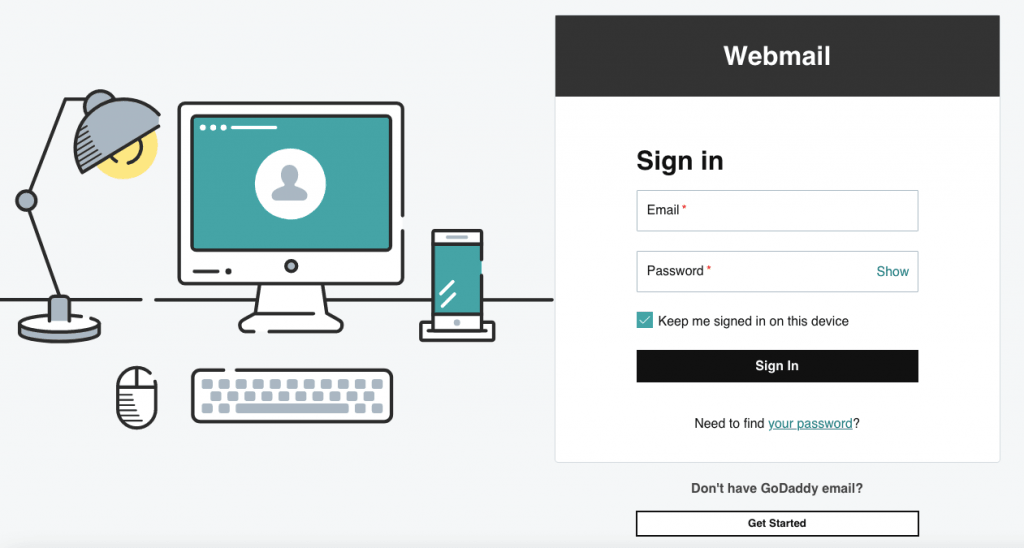
Logging into your GoDaddy email account is a simple process. Follow these steps:
Step 1: Visit the Official Login Page
Go to the official GoDaddy email login page:
You can also access your account through the main GoDaddy website.
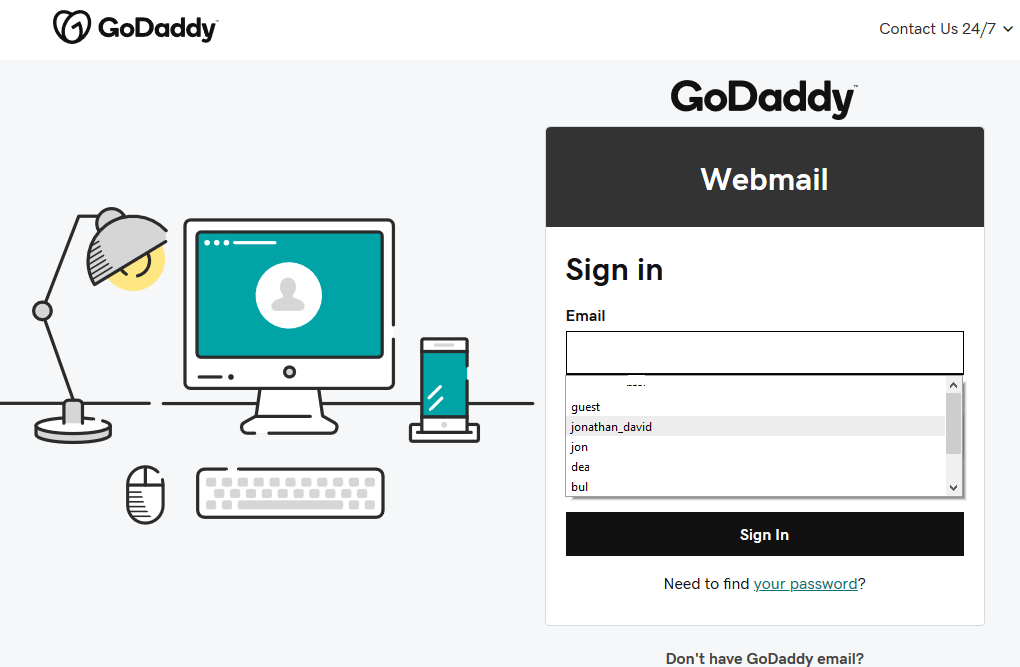
Step 2: Enter Your Email Address
Type your complete professional email address in the login field. Make sure there are no spelling mistakes or extra spaces.
Step 3: Enter Your Password
Input your password carefully. Passwords are case-sensitive, so ensure that Caps Lock is not turned on.
Step 4: Click “Sign In”
After entering your credentials, click the “Sign In” button to access your inbox.
Features of GoDaddy Professional Email
GoDaddy email services come with several useful features designed for businesses and personal users alike.
1. Professional Branding
Custom domain-based email addresses help your business appear more trustworthy and professional.
2. Mobile Accessibility
You can access your GoDaddy email from smartphones, tablets, and desktop devices anytime.
3. Spam and Virus Protection
GoDaddy offers built-in spam filtering and security protection to help keep your inbox safe.
4. Microsoft 365 Integration
Many GoDaddy email plans integrate with Microsoft 365, allowing users to access tools like Outlook, Word, Excel, and Teams.
Common GoDaddy Email Login Problems
Sometimes users face issues while trying to log in. Here are some common problems and solutions.
Incorrect Password
If your password is not working, double-check your typing and keyboard settings. If needed, use the “Forgot Password” option to reset it.
Browser Issues
Clear your browser cache and cookies if the login page is not loading correctly. You can also try using another browser.
Internet Connection Problems
A weak or unstable internet connection may prevent successful login attempts. Ensure you have a stable connection before trying again.
Account Lockout
Multiple failed login attempts can temporarily lock your account for security reasons. Wait a few minutes before trying again or reset your password.
How to Reset Your GoDaddy Email Password
If you forget your password, follow these steps:
- Visit the GoDaddy login page.
- Click on “Need to find your password?”
- Enter your email address or username.
- Follow the verification instructions sent to your recovery email or phone number.
- Create a new strong password.
Choose a password that includes uppercase letters, lowercase letters, numbers, and special characters for better security.
Tips to Keep Your GoDaddy Email Account Secure
Security is important for protecting sensitive business and personal information. Here are a few helpful tips:
- Use a strong and unique password.
- Enable two-factor authentication if available.
- Avoid logging in on public or shared devices.
- Update your password regularly.
- Be cautious of phishing emails and suspicious links.
Benefits of Using GoDaddy Email for Business
Using GoDaddy professional email offers several advantages:
- Enhances business credibility
- Builds customer trust
- Improves brand identity
- Provides reliable email hosting
- Supports team collaboration tools
For small businesses, startups, and freelancers, a professional email address can make a strong first impression.
Final Thoughts
GoDaddy email login is designed to be quick, simple, and secure. Whether you are managing personal communication or running a business, having easy access to your professional email account is essential. By following the steps and tips mentioned above, you can log in smoothly, troubleshoot common issues, and keep your account protected.
If you use GoDaddy services regularly, bookmarking the official login page and maintaining strong account security practices can save time and prevent future login problems.
(FAQs) About GoDaddy Email Login
1. How do I log in to my GoDaddy email account?
You can log in by visiting the official GoDaddy email login page at:
GoDaddy Email Login
Enter your email address and password, then click “Sign In.”
2. What should I do if I forget my GoDaddy email password?
Click on the “Forgot Password” or “Need to find your password?” option on the login page. Follow the instructions to reset your password using your recovery email or phone number.
3. Why can’t I access my GoDaddy email account?
There may be several reasons, including:
- Incorrect login credentials
- Browser cache issues
- Poor internet connection
- Temporary account lockout after multiple failed login attempts
Try clearing your browser cache or resetting your password.
4. Can I access GoDaddy email on my mobile phone?
Yes, GoDaddy email can be accessed on smartphones and tablets using:
- Web browsers
- Microsoft Outlook app
- Native email apps on Android and iPhone
5. Is GoDaddy email connected with Microsoft 365?
Yes, many GoDaddy email plans are powered by Microsoft 365, giving users access to Outlook, Word, Excel, Teams, and other Microsoft tools.
6. How do I set up GoDaddy email in Outlook?
You can configure your GoDaddy email in Microsoft Outlook by using your email credentials and server settings provided by GoDaddy. Automatic setup is also available for Microsoft 365 users.
7. Is GoDaddy professional email secure?
GoDaddy offers several security features, including:
- Spam filtering
- Virus protection
- Encrypted connections
- Account recovery options
For better security, users should also create strong passwords and enable two-factor authentication.
8. Can I create a custom business email with GoDaddy?
Yes, GoDaddy allows users to create professional custom email addresses using their domain name, such as info@yourcompany.com.
9. What browser works best for GoDaddy email login?
GoDaddy email works well on most modern browsers, including:
- Google Chrome
- Mozilla Firefox
- Microsoft Edge
- Safari
Always keep your browser updated for the best performance.
10. How do I contact GoDaddy support for email issues?
You can contact customer support through the official GoDaddy support page:
Support options may include live chat, phone support, and help articles.
